Saved to your account
How Teleport saves your profile, jobs and results to your account, keeps a copy in your browser, and syncs between the extension and the web app.
When you're signed in, Teleport saves your data to your Teleport account automatically. There's nothing to turn on. Your account is the main copy, and the extension and the web app each keep a copy in the browser so everything stays fast and works offline.
What's saved to your account#
- Your profile, including your resume text and assessment answers
- Your saved jobs, with status, notes, fit scores and analyses
- Revise my resume versions
- Ask a question history
- Company insights and review notes you captured
- Your share links
Not saved to your account: your AI key and your settings. Those stay in the browser where you entered them. See use your own AI key.
How syncing works#
- About 2 seconds after you change your profile or a saved job, Teleport sends the change.
- The dashboard and the web app check for changes from your other devices when you open them, when you switch back to the tab, and every minute while open.
- The extension also checks every few minutes in the background.
- Sync now on Privacy & data syncs straight away. Below it you'll see Last sync with the time.
If you change the same item on two devices before they sync, the change the server receives last wins.
Older versions#
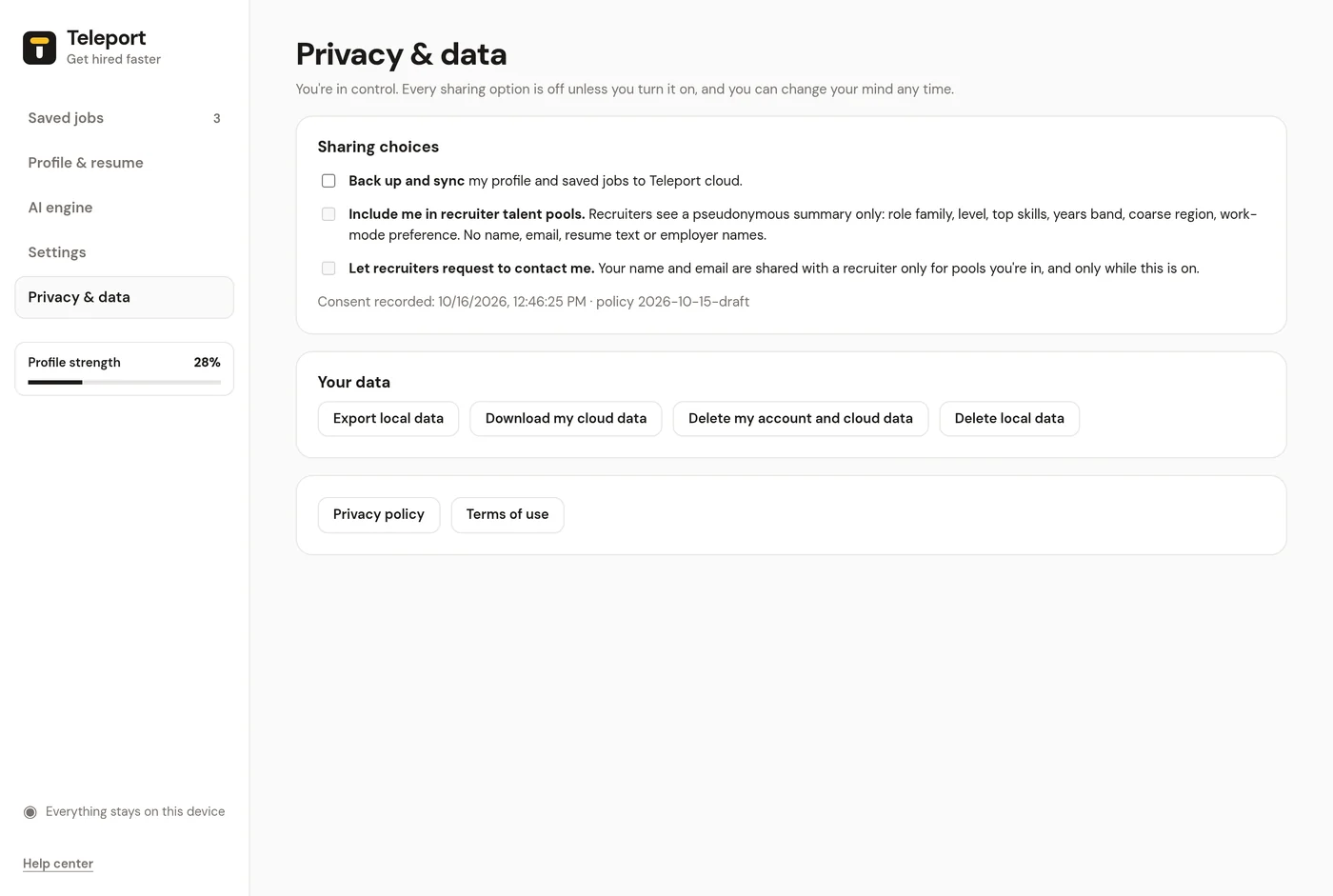
Older versions had an optional Back up and sync checkbox. When you update and sign in, everything already in your browser is uploaded to your account the first time it syncs. Anything you had backed up before is kept and merged in.
Talent pools stay off unless you turn them on#
Saving your data to your account doesn't share it with anyone. Recruiters only see anonymous signals if you turn on talent pools, and that's off by default.
Delete or download it#
To download everything, or to delete your account and all saved data, see export and delete.
Which server Teleport uses#
Teleport always talks to https://teleportjobs.app. There's no setting for it. Older versions had a Teleport server URL field on Privacy & data; when they update, they switch to the built-in server automatically and stay signed in.
Problems#
See sync errors.